North America
Explore hubs
Guilds and clans
Find title-specific groups that set their own play times, voice-chat rules, and team goals.
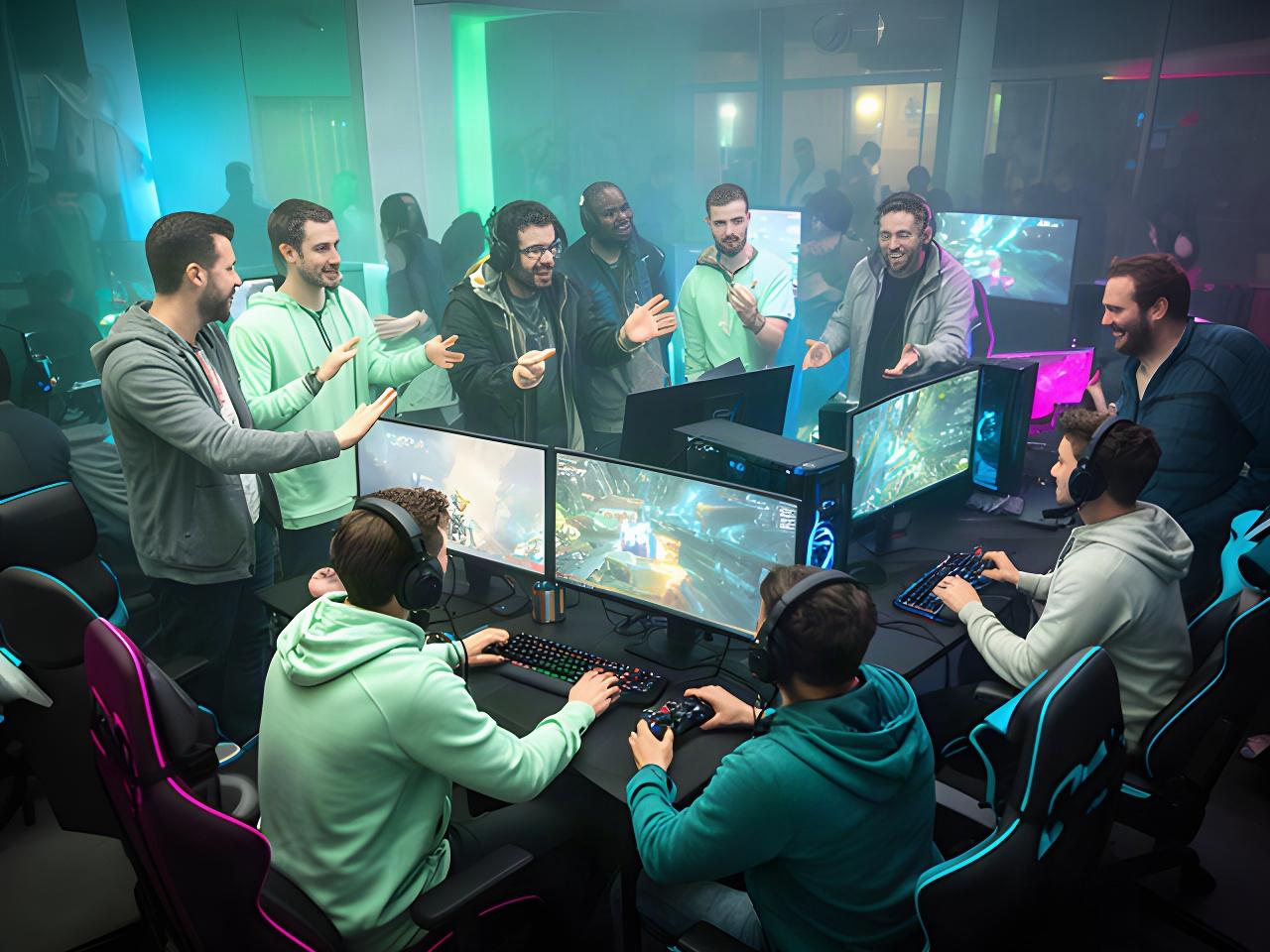
Join a regional hub, find a co-op partner, or check the latest notes for the games you play. The community starts here.
Explore community hubsPick a hub that fits how and where you play. Start with your region, then find a guild, clan, or regular co-op group.
Three regions. One shared hub.
Find title-specific groups that set their own play times, voice-chat rules, and team goals.
Meet players coordinating sessions around local time zones and preferred languages.
Post the title and role you need for your next survival or strategy session.
Guide writers and streamers can ask about the creator programme. Team-hosted play sessions are announced in the community feed.
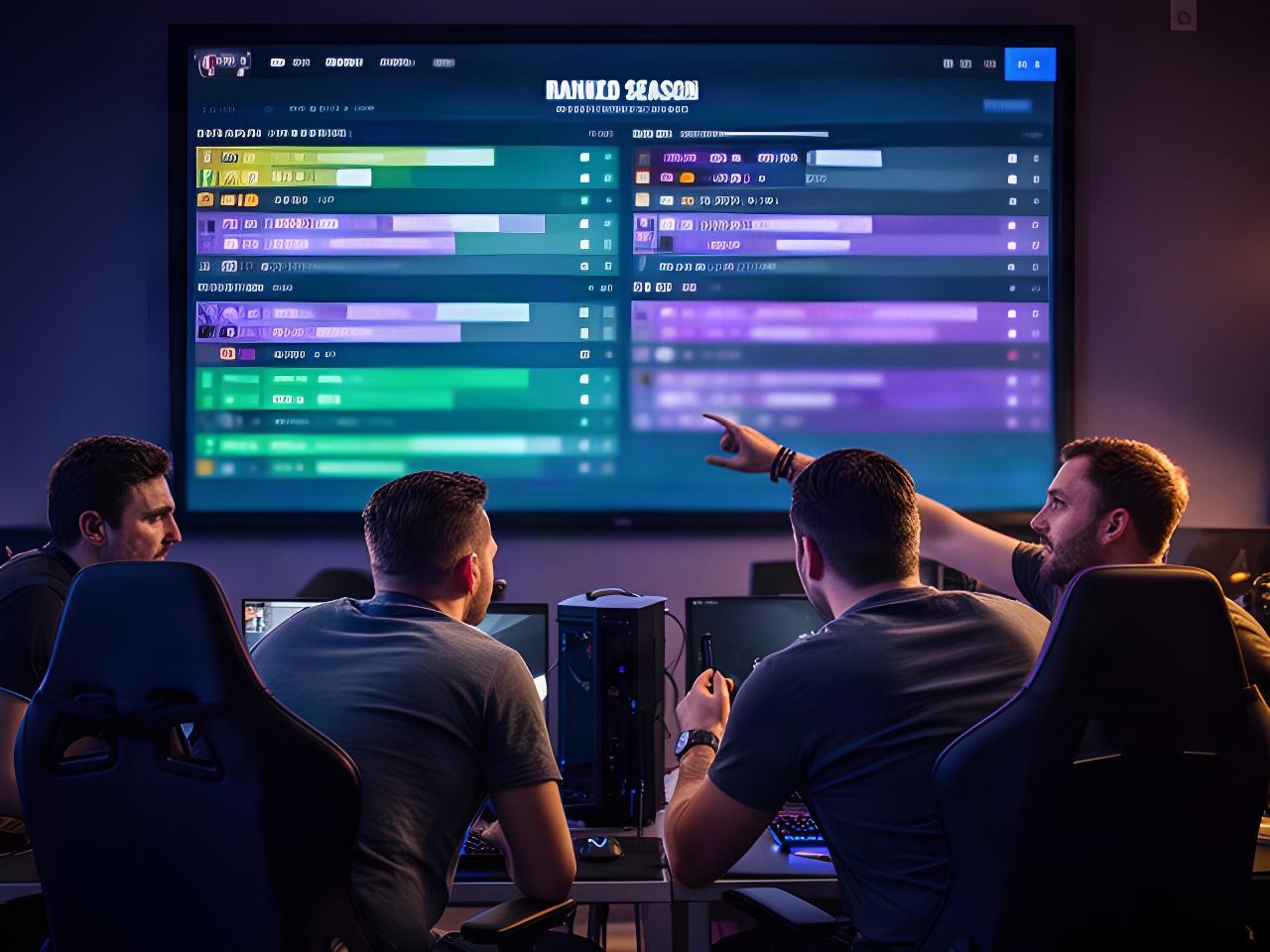
Each hosted title has a current-season board with placement, rating, match count, and update time. Check the title board for the standings that matter to your squad.
Season summaries track popular modes and maps, average match length, party size, and platform-wide progression milestones. Reset details and rating carryover are posted with each season announcement.
| Board field | What you'll see |
|---|---|
| Placement | Position on the selected title's season board |
| Rating | Current rating and season-to-date movement |
| Activity | Match count and latest board update |
Read which abilities or systems changed, what the team was aiming to fix, and where to share feedback.
Hotfix posts include their timestamp, affected regions, and the title they apply to. Browse the archive by game or month.
Keep chat useful, report specific behaviour, and give our moderation team the details needed to review it. Every report has a path to human review.
Read the Terms and Conditions for the full policy.
No targeted harassment, threats, hate speech, or repeated disruption. Critique the play, not the person.
Include the title, approximate time, player name, and a short description. Reports are triaged before a moderator reviews the evidence.
Suspected cheats and account tampering are checked against platform signals. Actions can range from a warning to a restriction or suspension.
If you think an action was applied in error, submit an appeal through Support. The team will confirm the expected response window when it receives your case.
Building a distinctive Counter-Strike 2 inventory often involves looking beyond the cosmetics a player already owns. Exploring different skin designs can reveal options that better match a preferred colour palette, favourite weapon, or personal collecting style. SkinsMonkey provides an opportunity to review available cosmetic choices and consider potential exchanges based on individual preferences. Some users may want to refresh an existing loadout, while others may be interested in collecting items with unusual artwork or a particular visual theme. Before selecting an alternative, compare the available details and confirm that the desired item is currently offered. A little research can make inventory decisions more deliberate.
A suitable exchange should be assessed by more than the apparent value of the items involved. Start by confirming the exact skin names, exterior grades, and other characteristics that distinguish one cosmetic from another. Then consider whether the proposed items fit your plans and whether the overall terms are acceptable. Differences in wear, pattern, or market interest may influence how attractive an offer appears. Review the current transaction conditions and check for any relevant restrictions or additional costs before continuing. Taking a moment to evaluate the entire proposal helps prevent decisions based on incomplete information or assumptions about an item's worth.
A well-planned collection does not have to rely on matching skins alone. Players can create a recognisable style by combining related colours, choosing finishes with similar artistic details, or deliberately pairing contrasting designs. For example, a loadout might follow a muted colour scheme, feature bold graphic patterns, or bring together cosmetics inspired by different themes. Gloves and knives can also influence the overall appearance when suitable options are available. SkinsMonkey can be used to explore potential additions to an existing collection. The best combination is ultimately a matter of personal taste, budget, and the particular items that can be obtained.
Two examples of the same skin may differ in ways that are not immediately apparent from the item name. Their float values, wear levels, pattern placement, and applied stickers can affect the final appearance. Other considerations, including collector preferences and current supply, may influence market interest. As a result, similar-looking cosmetics should not automatically be considered interchangeable in terms of desirability or price. Examine the information attached to each listing and compare it with other examples of the same finish. This approach provides a more informed understanding of the differences between items, although market prices and individual preferences can change over time.
New traders can benefit from understanding the basics before attempting to change their inventory. Learn how exterior grades work, practise comparing similar items, and pay attention to the information supplied for each cosmetic. It is equally important to understand the platform's current rules and the steps required to approve an exchange. Decide which items you want to keep and which you would consider replacing, rather than selecting an offer without a clear objective. When using SkinsMonkey, review the displayed details carefully and avoid rushing through confirmations. Developing a consistent evaluation process can make the experience easier to navigate as your knowledge grows.
Yes. An exterior label groups a skin into a broad wear category, whereas its float value represents a more precise wear measurement. CS2 uses five exterior classifications: Factory New, Minimal Wear, Field-Tested, Well-Worn, and Battle-Scarred. Items assigned to the same category can still have different float values, which may produce visible differences depending on the finish. A lower float does not necessarily make every skin more desirable to every buyer, since the design and personal preferences also matter. When comparing cosmetics, consider the classification, the numerical float where available, and the actual appearance instead of relying on a single indicator.
Ownership of a cosmetic does not always mean that it can be transferred immediately. The item or account may be affected by a temporary trade restriction, a hold, or another eligibility requirement. These limitations depend on the applicable rules and the current status of the item. Check the relevant inventory or trade information and consult official support guidance if the reason is unclear. Confirm that the cosmetic is eligible for transfer before planning an exchange around it. Avoid assuming that a restriction will expire at a particular moment unless that timing has been verified. Understanding the limitation beforehand can help prevent interrupted transactions.
Collectors sometimes focus on characteristics that make an individual skin different from other examples of the same design. These may include the arrangement of a pattern, the prominence of certain colours, or the combination and positioning of stickers. For players assembling a themed collection, such details can be just as important as the overall finish. However, aesthetic appeal is subjective, and a feature valued by one collector may have little significance to another. Special visual characteristics should therefore be evaluated alongside current market interest and comparable listings. Neither an unusual pattern nor a particular sticker arrangement guarantees a higher price or easier resale.
Before approving a trade, compare the final proposal with the items and conditions you intended to accept. Make sure each cosmetic is correctly identified and that the items being given and received match your expectations. Recheck relevant wear information and review the transaction terms, including any stated costs or limitations. Do not rely solely on an earlier screen or a message describing the offer; inspect the actual confirmation details. If anything appears different from what you agreed to, stop and investigate the discrepancy. Confirming only after the information has been checked helps reduce the risk of approving an unintended or misleading transaction.
Good security practices help protect both an account and the cosmetics connected to it. Create a unique password, activate two-factor authentication when supported, and never share login credentials or one-time verification codes. Treat unexpected links and messages with caution, particularly when they promise exceptional deals or demand an immediate response. Verify that you are using the legitimate service and inspect every trade offer before approving it. If a request seems unusual, use official channels to check its authenticity rather than following instructions from an unknown sender. Staying alert to impersonation attempts and phishing can help reduce the chance of unauthorised access or fraudulent trades.

Tell us where you play. We’ll point you to community announcements, season notes, and team-hosted sessions for your region.